One idea in. A whole campaign out.
Storyboard it, preview it before you spend a credit, generate on the best model for the job — then fork the winner into every format and channel. That's AI video, produced on purpose.
Built for marketers · agencies · founders · growth teams




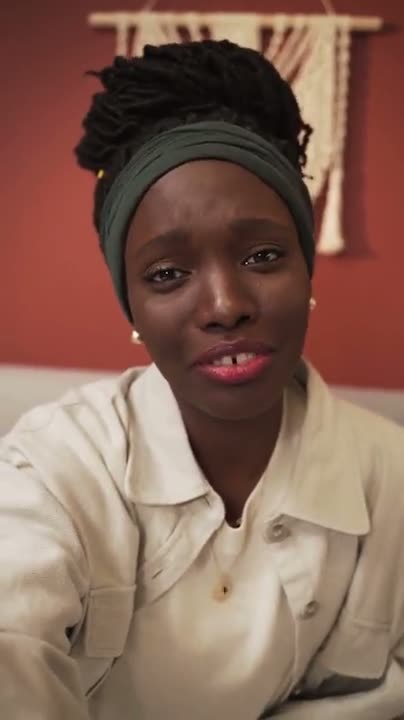
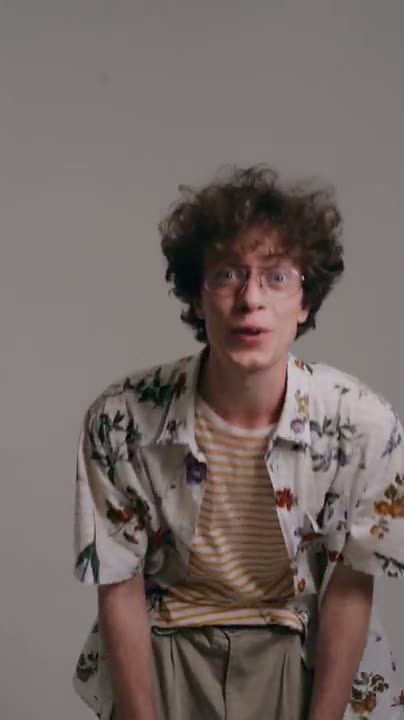
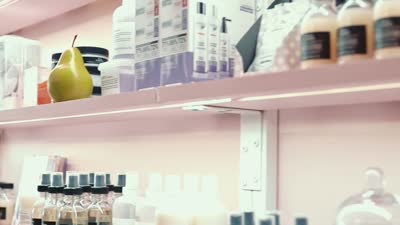
Sleek D2C skincare ad — soft light, macro textures, confident VO
Brief or prompt
 Draft preview · 0 cr
Before credits

On purpose



Best variations






Ready to ship
AI video is powerful. The workflow is a mess.
The models got incredible. The way teams actually produce with them didn't. So every campaign turns into guesswork, wasted spend, and clips nobody can reproduce.



−1,240 credits · and no record of how gen_046 happened.
You generate blind
Type a prompt, spend the credits, and hope. No way to see where it lands before you pay for it.
Credits vanish on rejects
Half your generations never get used. Every off-target clip is budget you can’t get back.
History disappears
The prompt that finally worked is buried in a tab somewhere. Good luck reproducing it next week.
Nothing is repeatable
Ten ad variations means ten fresh starts. There’s no system — just you, re-rolling the dice.
Not one model. A whole production studio.
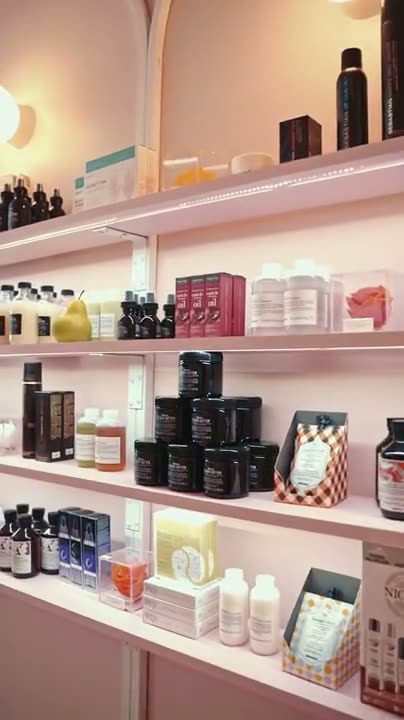
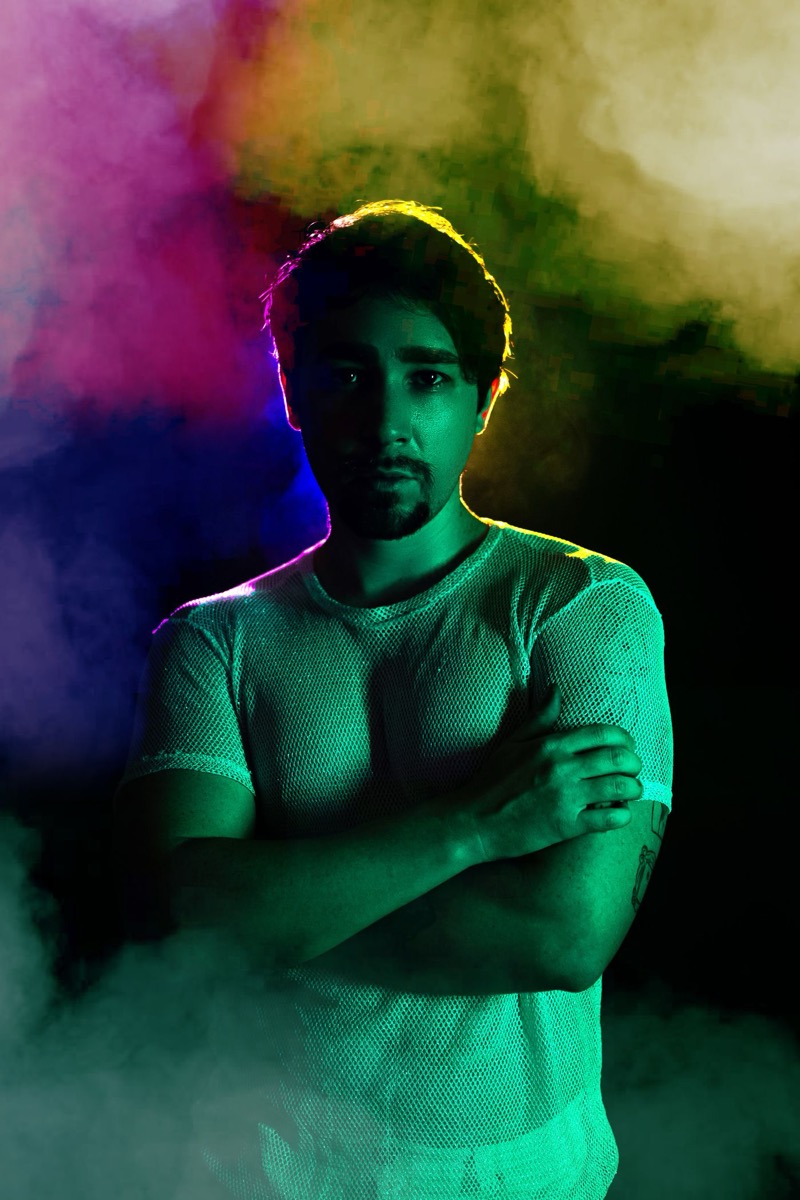
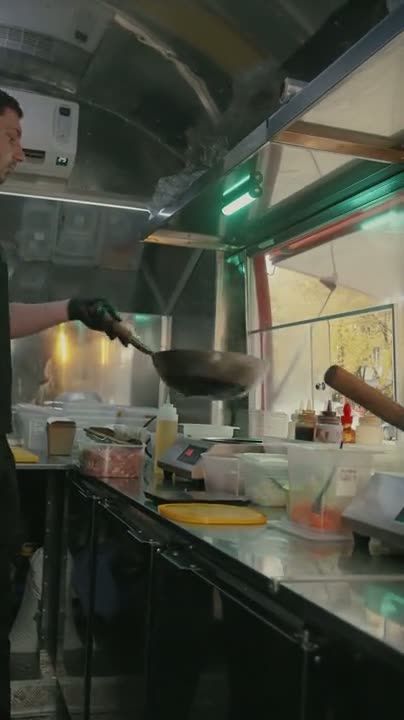
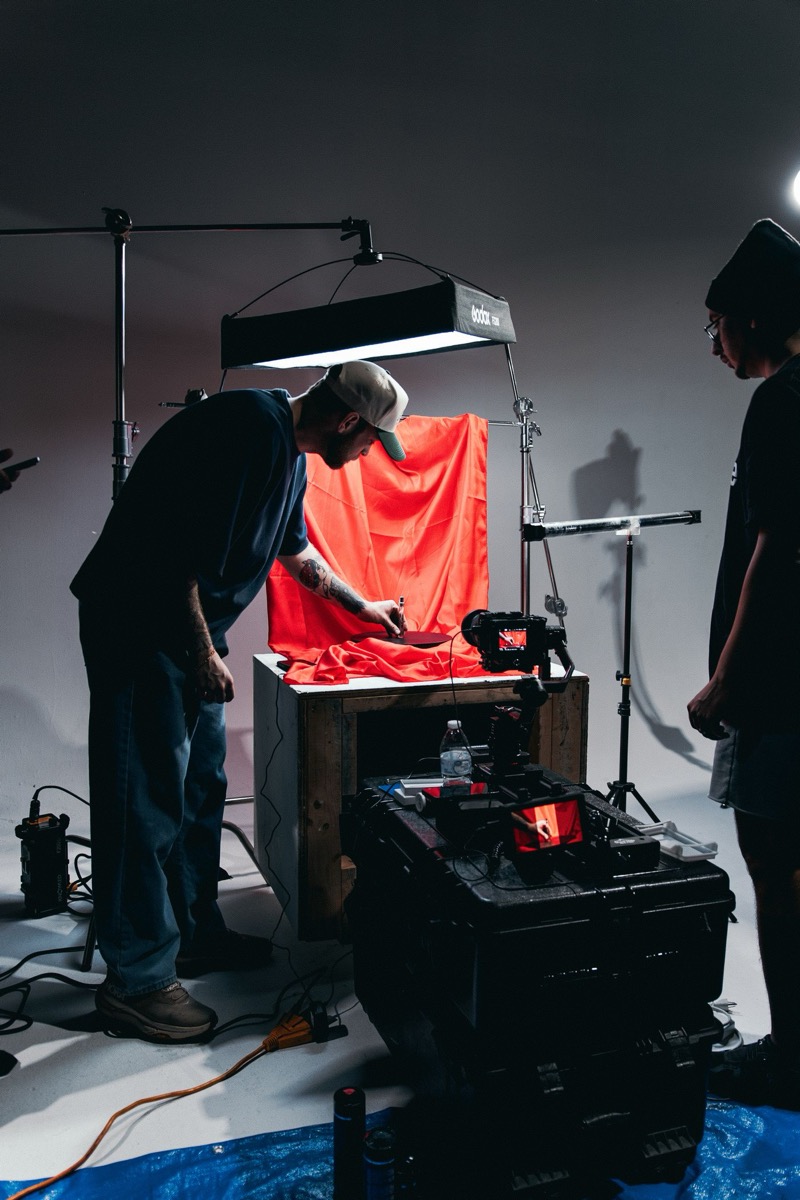
Generate, relight, edit, extend, and upscale — every tool runs through the same pipeline, on the best model for the job.


- Preview before committing credits
- Auto-refund on failed generations
- Full generation history with fork
Runs Kling · Runway · Seedance · Imagen & more — auto-selected per job.
Six steps from prompt to campaign.
The same repeatable path, every time — so quality stops being luck.
Start with an idea
Drop in a brief or a prompt. CineMatter turns the spark into a workable concept.
Shape the concept
Refine direction, tone, and structure before anything renders. Decisions first, credits later.
Preview and tune
See the trajectory and adjust the parameters that actually move the output.
Generate on purpose
Run it knowing what you’ll get. Spend credits on intent, not experiments.
Fork and refine
Branch your strongest result into variations — angles, lengths, hooks, formats.
Build the asset library
Promote winners into a campaign-ready library your whole team can reuse.
 Hook A
 Hook B
 Square
 Cutdown
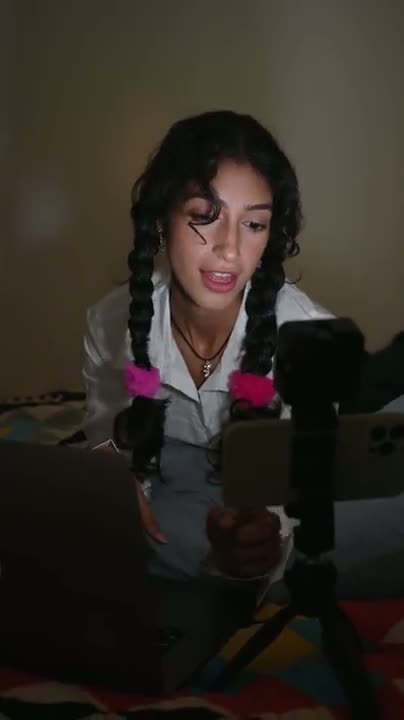
Every format. Every channel. One pipeline.
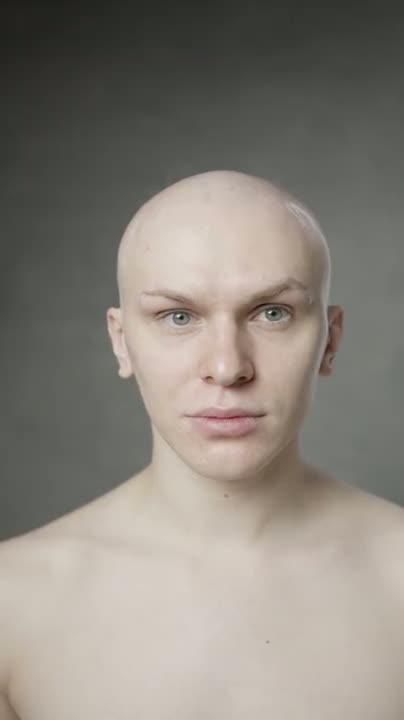
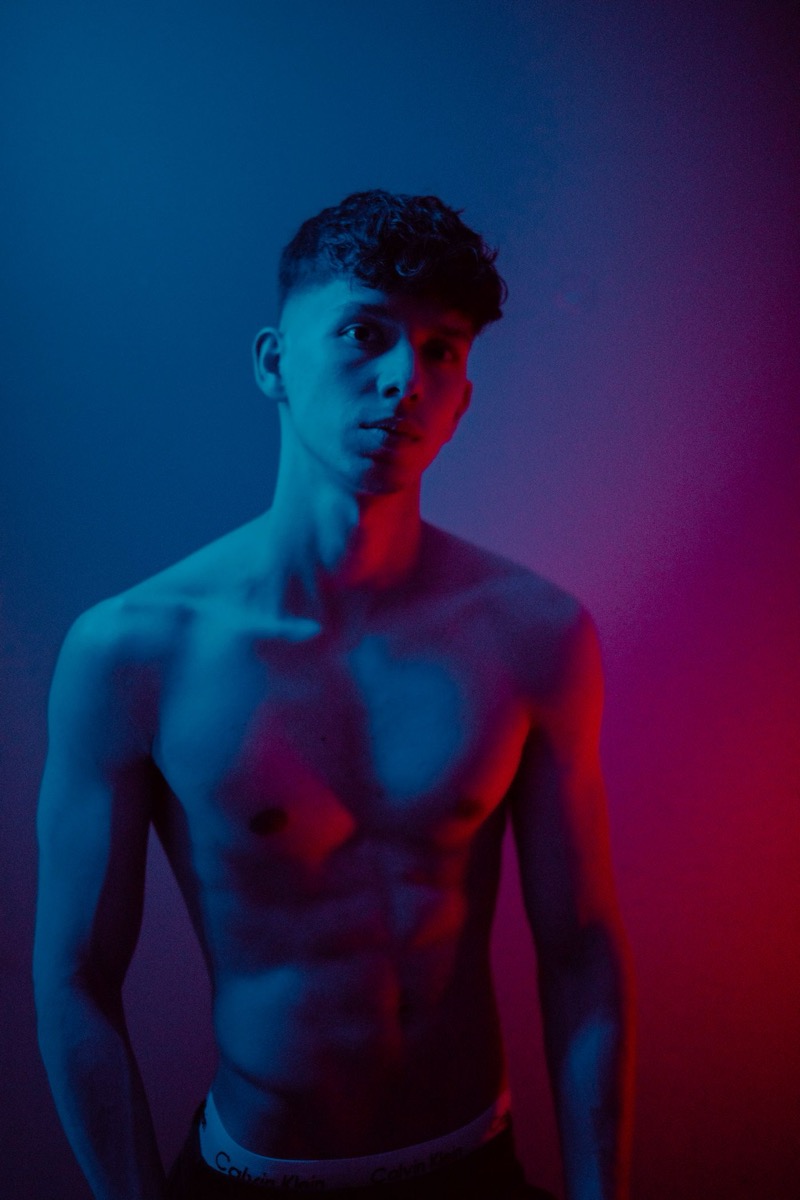
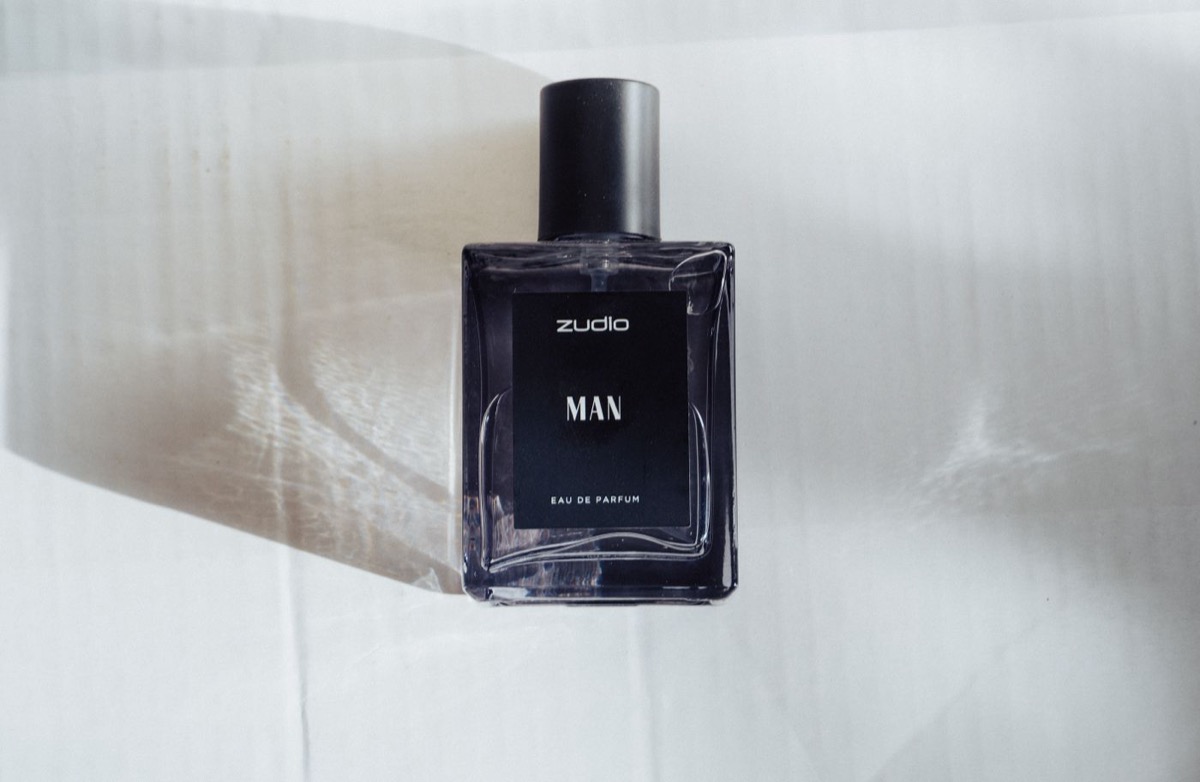
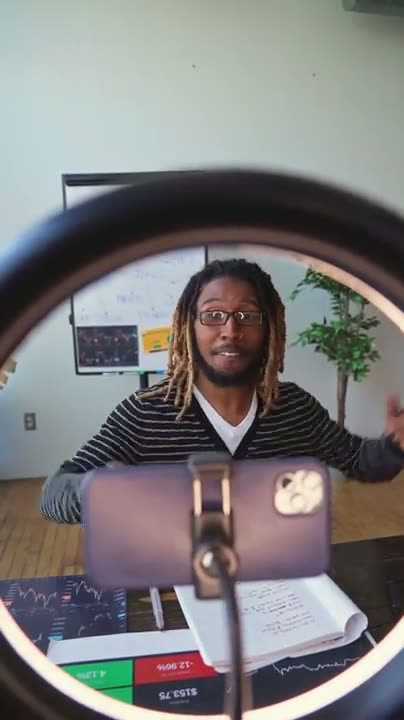
The kind of output the production line ships — hooks, spots, films, and every variation in between.










Not just generation. Production intelligence.
A generate button gives you clips. A production layer gives you a system.
Generic AI video tools
A box and a button.
- Prompt
- Generate
- Hope
- Burn credits
- Lose the context
- Start over
CineMatter
A production line.
- Plan
- Preview
- Tune
- Generate
- Fork
- Reuse & scale
Others specialize in one slice — AI actors, cinematic presets. CineMatter owns the layer that makes all of it repeatable and efficient.
Built for the teams shipping video every week.
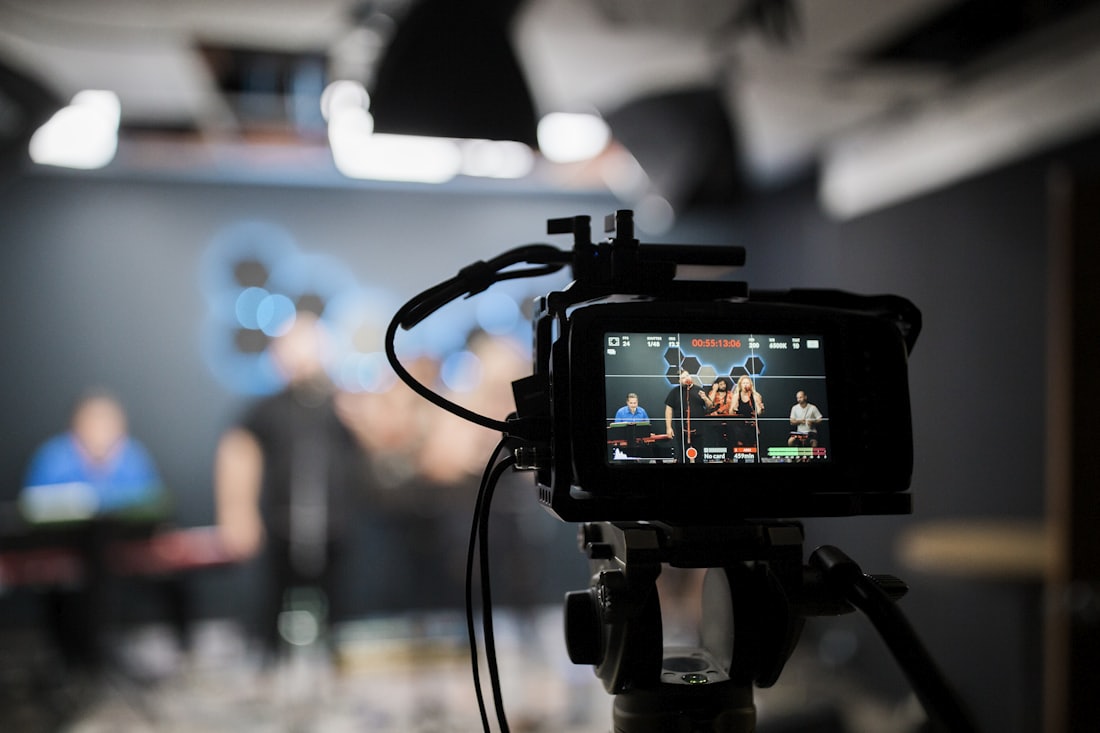
Performance marketers
Dozens of hook and angle variants
→ More tests, lower cost-per-creative
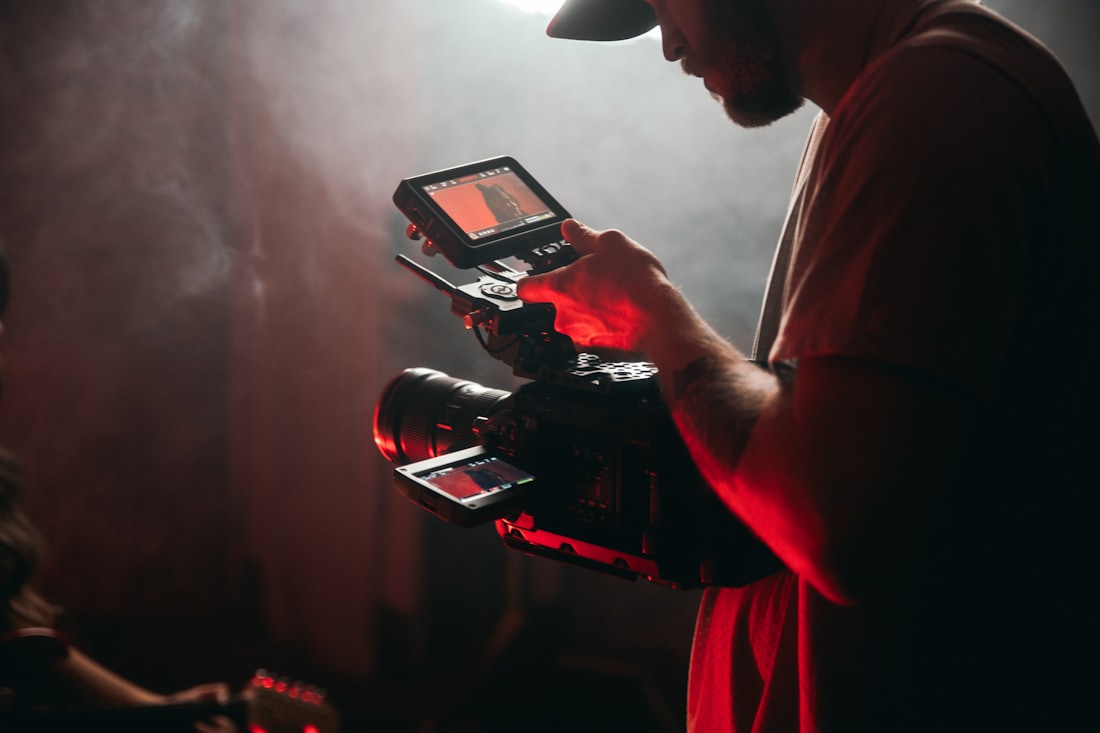
Social teams
Always-on short-form video
→ A full calendar without the scramble
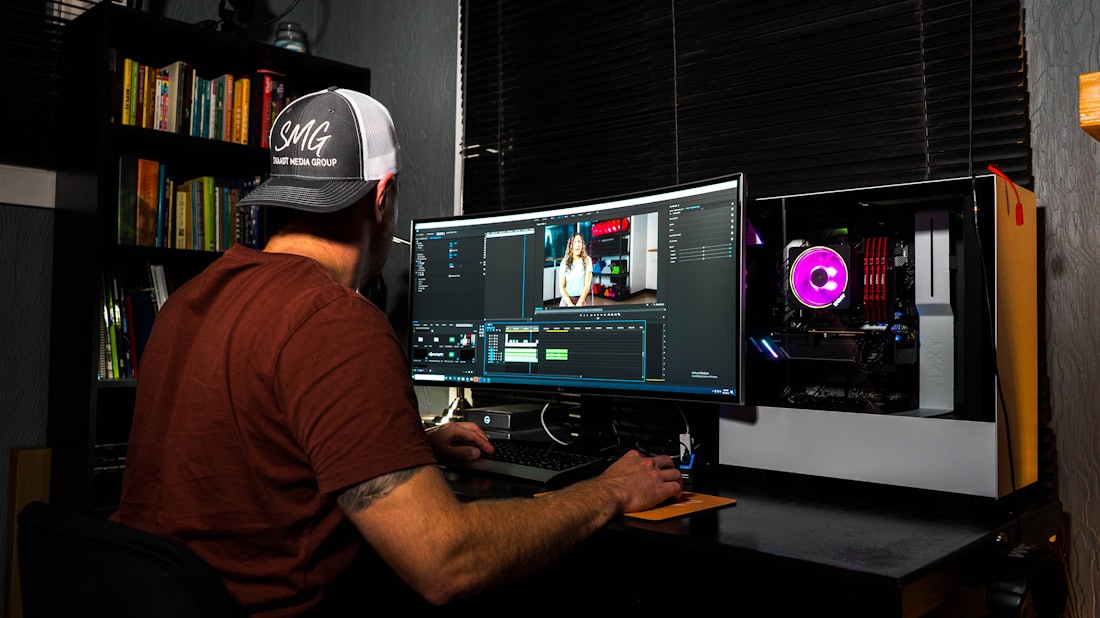
Product marketers
Launch films and feature teasers
→ On-brand assets shipped on time
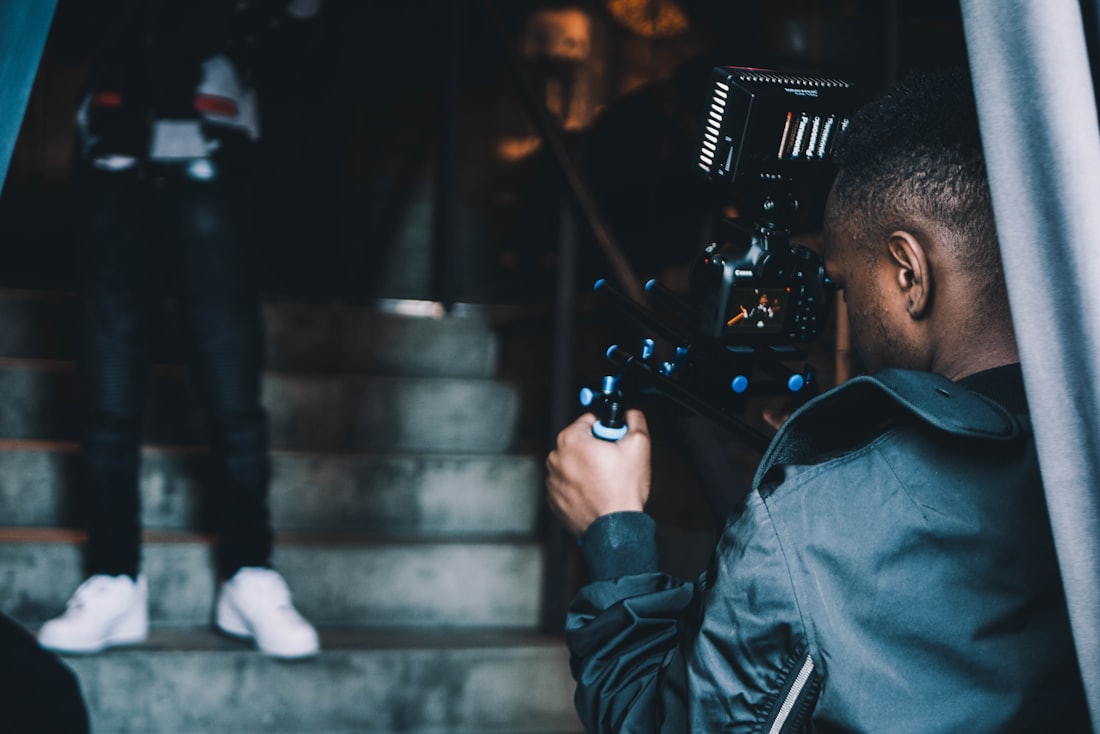
Founders
Personal, point-of-view content
→ A consistent voice, produced fast
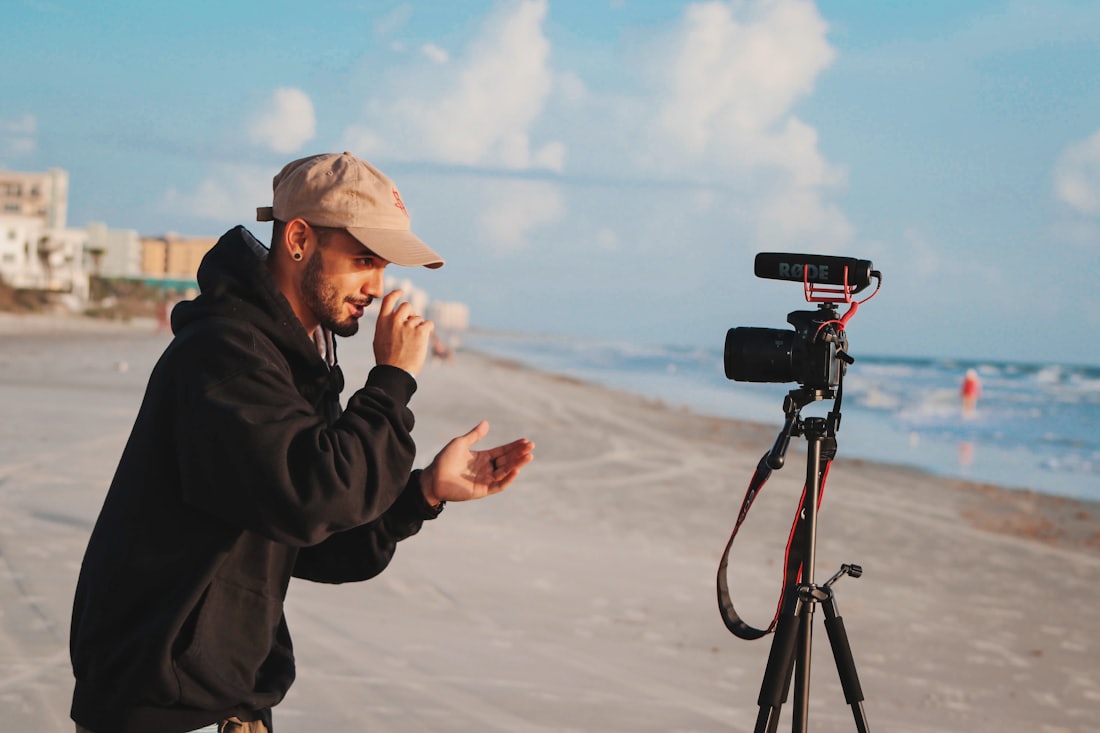
Growth teams
Authentic, native-feeling spots
→ Scroll-stopping creative at volume
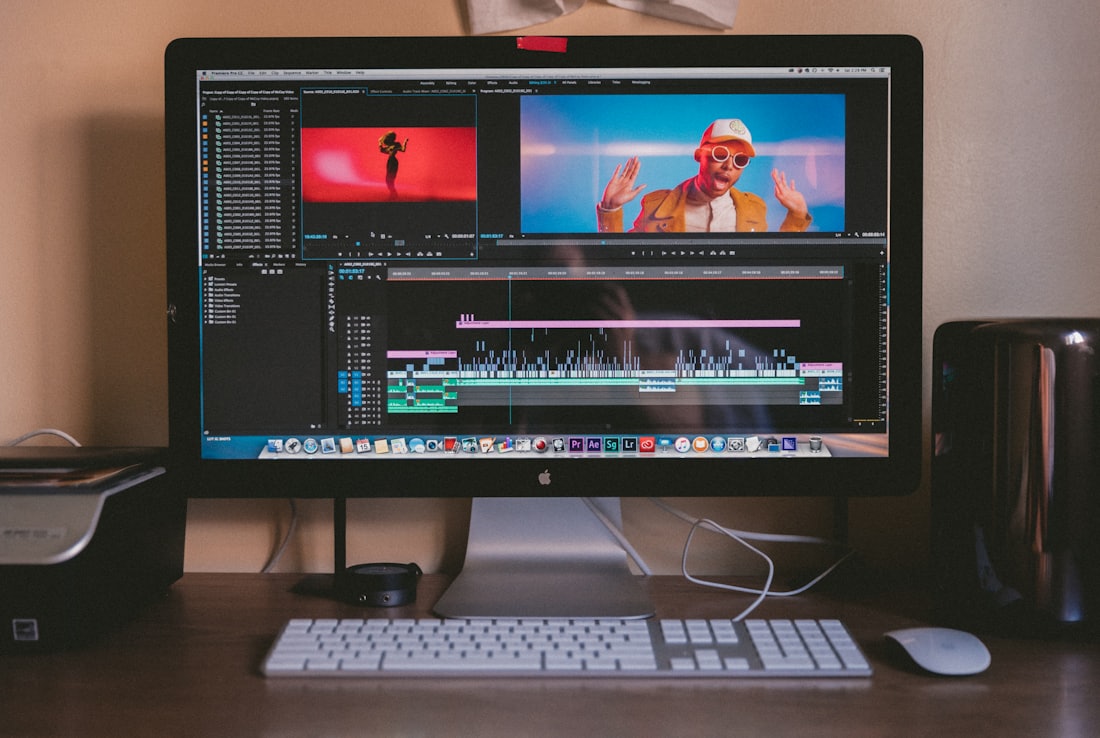
Brand teams
Narrative-driven brand films
→ Cinematic quality, kept consistent

Agencies
Per-client creative at scale
→ More clients served, fewer reworks
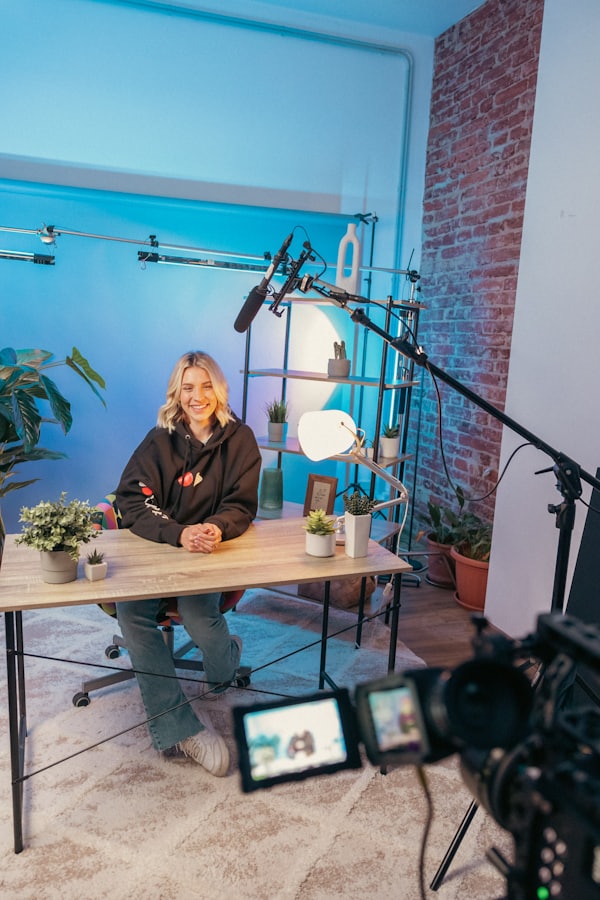
D2C brands
One concept, many cuts
→ Localize and remix without restarting
Every part of production, in one place.
Compose, tune, fork, and track — the whole pipeline in one workspace.
Prompt
Sleek D2C skincare ad — soft morning light, close-up textures, confident VO, 9:16.
Failed renders auto-refunded. You only pay for keepers.
Start producing today.
Jump into the app and run your first production. Want a walkthrough? Book a demo and we'll show you the workflow live.
Everything in the production layer
One workspace for the whole team. Pricing scales with your output.
Already have an account? Login- Preview before you spend credits
- Parameter tuning controls
- Auto-refund on failed renders
- Full, searchable generation history
- Fork trees and campaign variations
- Shared, reusable asset library
Questions, answered.
What is CineMatter?
CineMatter is the production layer for AI video — one workspace where teams plan, preview, generate, fork, and scale campaign-ready video. Instead of prompting a model blindly, you run structured productions that keep every shot, version, and asset organized.
How is CineMatter different from using Kling, Runway, or Seedance directly?
Model apps give you a prompt box; CineMatter gives you a workflow on top of the leading models. You preview before spending credits, tune parameters with control, fork the takes that work into new variations, and keep a searchable history and shared asset library — so a campaign is produced, not improvised.
Which AI models does CineMatter support?
CineMatter routes to leading video and image models — including Kling for realistic cinematic footage, Runway for fast creative iteration, Seedance for fluid motion, and Google Imagen for stills — with one consistent workflow across all of them.
How does CineMatter stop wasted credits?
You preview and refine a shot before committing credits to a full render, and failed renders are automatically refunded. Fork trees let you branch from a good take instead of re-generating from scratch, so credits go to new work rather than re-rolls.
What can I create with CineMatter?
Text-to-video, image-to-video, and text-to-image productions, plus studios for extending and editing footage, motion graphics, and AI relighting. Teams use it for product ads, campaign variations, social content, and other marketing video at scale.
How do I get started, and what does it cost?
Start at app.cinematter.co — jump in and run your first production, or book a demo for a live walkthrough. Pricing scales with your output, and every plan includes the full production layer: previews, forking, generation history, and the shared asset library.
Stop generating blindly.
Start producing with control.
Bring the structure of a production line to AI video — and turn lucky clips into a repeatable creative engine.